No, bird feeder cameras do not need Wi-Fi to record footage. Most cameras with a microSD card slot will keep recording locally even when your Wi-Fi is down or nonexistent. What you lose without Wi-Fi is the convenient stuff: live view from your phone, real-time motion alerts, remote access, AI bird identification, and cloud storage. If your feeder is far from your router and you just want to capture visits, a local-only or cellular setup works fine. But if you want to watch birds in real time from your couch or get a notification the moment a rare species shows up, you need a reliable connection.
Do Bird Feeder Cameras Need WiFi? When It Matters

Eleanor Hartwick
28 May 2026
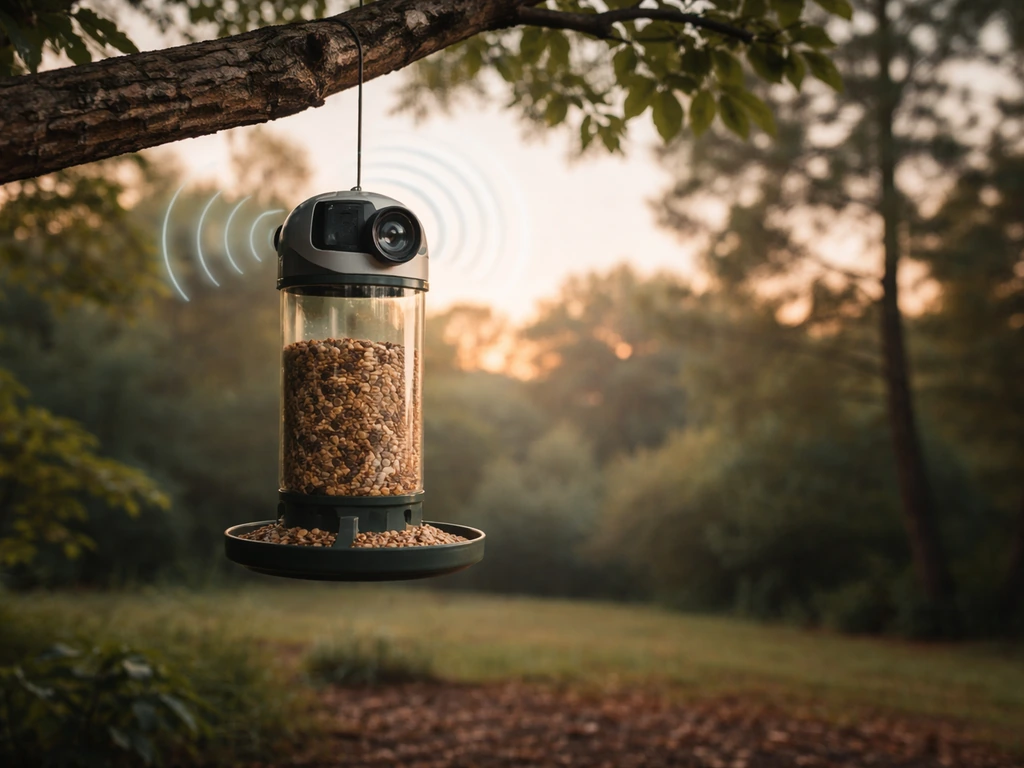
Do bird feeder cameras need Wi-Fi? A quick decision guide
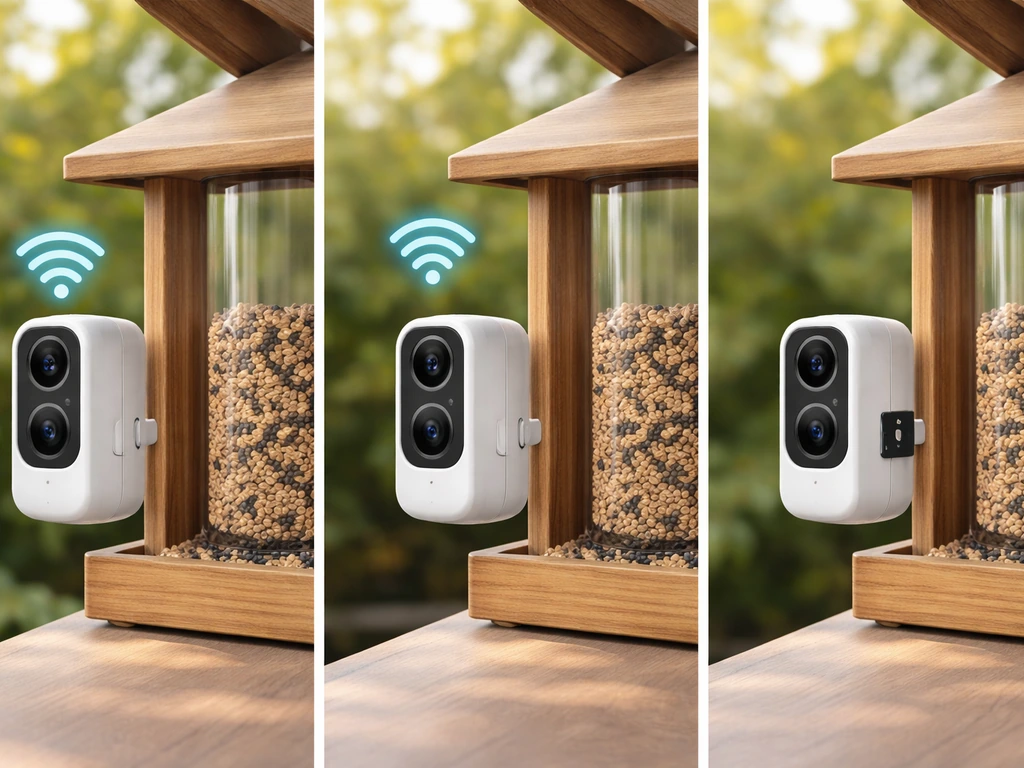
The answer depends entirely on what you want to do with the camera. There are really three situations people find themselves in, and each has a straightforward answer.
- You want live view and instant notifications: You need Wi-Fi (or a cellular camera). Without an internet connection, push notifications and remote live viewing are simply off the table regardless of brand or model.
- You want to capture bird visits and review them later: You do not need Wi-Fi. A camera with a microSD slot will record motion events locally and you can pull the card to review footage at any time.
- You want AI bird ID, cloud backup, or app-based logging: Wi-Fi is mandatory. Features like species identification (used by smart feeders like Birdfy) run through the cloud and require a connected app account.
- You have no broadband at all or the feeder is in a remote spot: A cellular camera (using a data SIM) or a plain SD-card-only trail-cam style device is your best path forward.
One important note: even cameras that work offline after setup almost always require Wi-Fi during the initial pairing process. Birdfy's Birdbath Jolly V, for example, requires you to connect your phone to a 2. Birdfy’s Birdbath Jolly V specs note the device supports 2.4GHz Wi-Fi, so Wi‑Fi is part of its supported connectivity. 4GHz network and enter the Wi-Fi password to pair the camera. Reolink recommends having internet available for first-time setup too, ideally via Ethernet. So even if you plan to go mostly offline, you will typically need Wi-Fi at least once to get the device configured.
Camera types explained: Wi-Fi, cellular, and SD-card-only
Before you troubleshoot or buy, it helps to know which category your camera falls into because the rules are completely different for each type.
Wi-Fi cameras (the most common type)
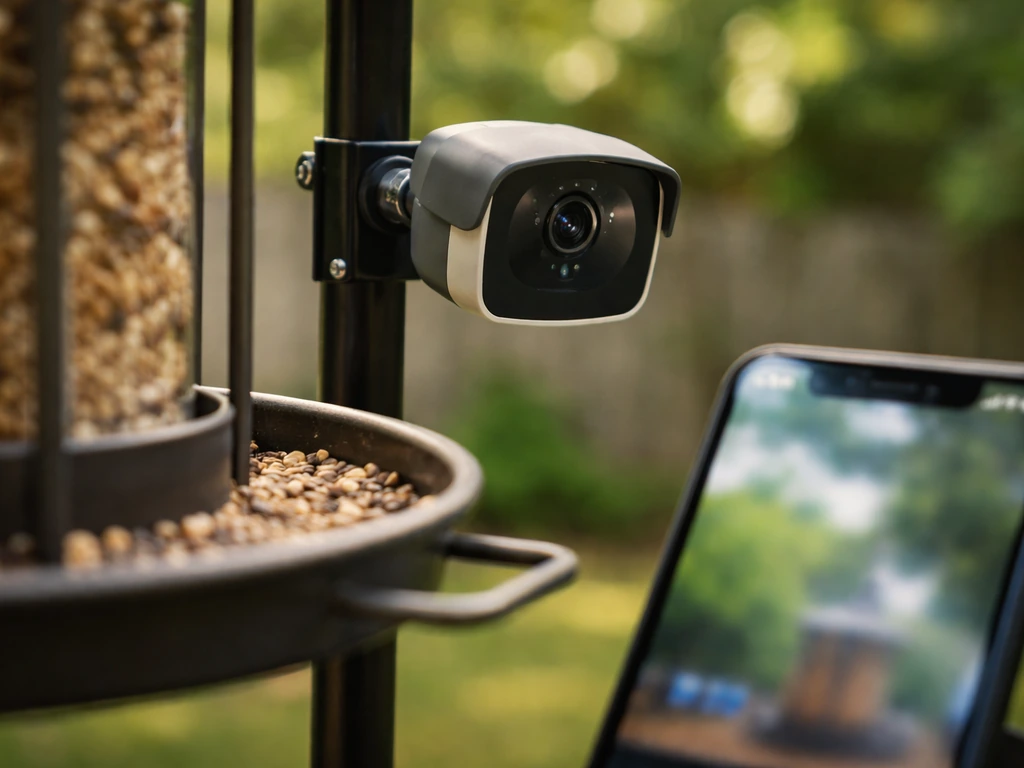
These connect to your home network, usually on a 2.4GHz band (5GHz on some higher-end models). Brands like Reolink, Wyze, Arlo, Birdfy, and Ring all fall into this category. They use your router and internet connection to push alerts to your phone and let you watch a live feed from anywhere. Most also have a microSD card slot, which means local recording continues even when the internet drops. The key variable is whether your specific model has that SD slot. Wyze, for instance, draws a hard line: models without a microSD slot cannot function without Wi-Fi because they record exclusively to the cloud.
Cellular cameras
These use a mobile data SIM instead of your home Wi-Fi. They are popular for rural setups, remote feeding stations, or any spot where running Wi-Fi signal is impractical. You get remote access and notifications through a cellular plan, but you will pay monthly data costs. Battery life is the main trade-off since cellular radios draw more power than Wi-Fi chips.
SD-card-only and trail cam style devices
These have no wireless connectivity at all. They run on batteries or a solar panel, detect motion, record a clip or image to a memory card, and that is it. No app, no alerts, no live view. You physically remove the card to see what visited. This sounds old-fashioned, but for a feeder that is 80 feet from your router or mounted in a garden shed context, these are genuinely reliable and hassle-free options. Do baffles work on bird feeders, and if so, which designs actually reduce bird feeding pressure? They are also cheap, weather-tough, and require almost zero maintenance beyond swapping batteries and checking the card.
What you can and can't do without Wi-Fi
This is where the practical decision really gets made. Here is a clear breakdown of what works and what stops working when your feeder camera loses its connection. If you are mainly trying to figure out do bird feeders work, start by deciding whether you want Wi-Fi features like alerts or you are fine with local recording on an SD card.
| Feature | Wi-Fi connected | SD card only (no Wi-Fi) | Cellular |
|---|---|---|---|
| Live view on phone | Yes | No | Yes (via data) |
| Motion/push notifications | Yes | No | Yes (via data) |
| Record footage locally | Yes | Yes | Yes |
| Cloud storage | Yes (subscription often needed) | No | Yes (subscription often needed) |
| AI bird identification | Yes (on supported models) | No | Varies by model |
| Remote access away from home | Yes | No | Yes |
| Works during internet outage | Local recording only | Full function | Full function |
| Setup requires internet | Yes (initial pairing) | No | Varies |
The single biggest thing you lose without Wi-Fi is the notification. That real-time alert when something lands at the feeder is the whole appeal of a smart bird camera for a lot of people. If that matters to you, connectivity is non-negotiable. But if you are mostly interested in reviewing footage at the end of the day, or you want a camera that keeps running reliably without any fussing, local SD recording is genuinely capable.
Dealing with weak Wi-Fi at the feeder
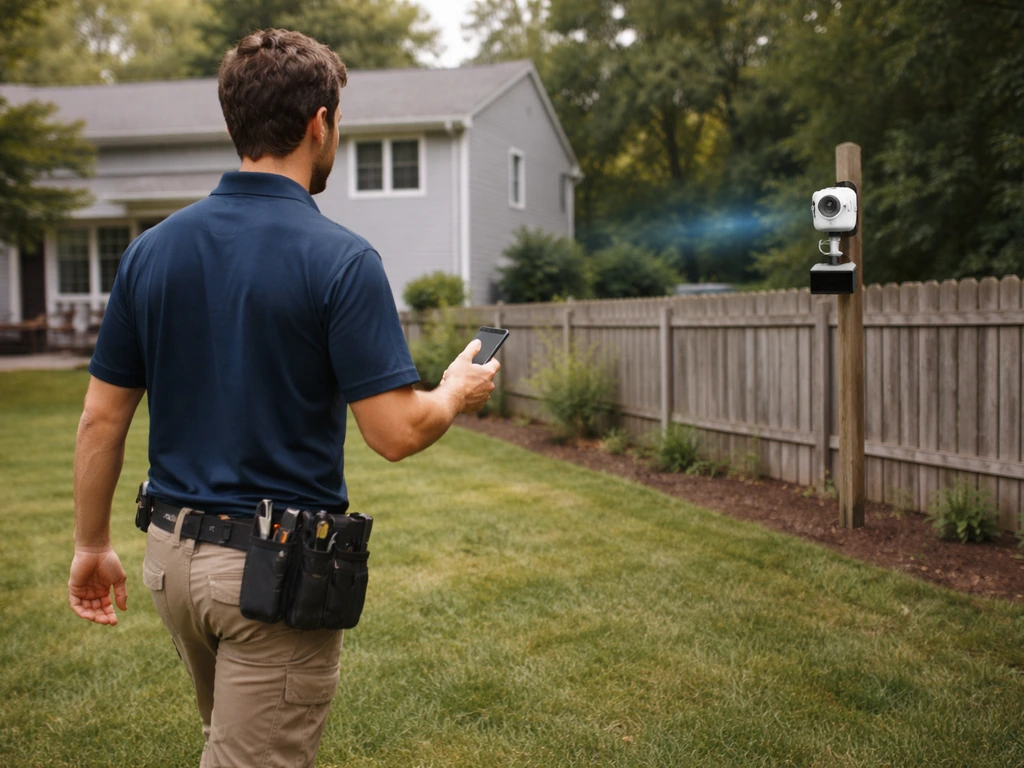
This is probably the most common real-world problem I hear about. Someone puts a feeder camera 40 to 60 feet from the house, it pairs fine indoors during testing, and then signal drops to one bar or disconnects entirely once it is mounted outside near the feeder. Walls, distance, and interference all compound outdoors. Here is how to actually solve it.
Stick to 2.4GHz, not 5GHz
Most feeder cameras only support 2.4GHz, and that is actually a good thing for outdoor range. The 2.4GHz band travels farther and penetrates obstacles better than 5GHz. If your router broadcasts both bands under a single network name, some cameras have trouble connecting. The fix is to either split them into separate SSIDs or temporarily disable the 5GHz band during setup. Reolink specifically documents connection failures when cameras try and fail to connect to a 5GHz network.
Use a Wi-Fi extender or mesh node
A simple range extender placed in a window or on a covered porch closest to the feeder can dramatically improve signal. Mesh systems (like Eero, Google Nest WiFi, or Ubiquiti UniFi) handle this more elegantly because they create a seamless network without the speed penalty of a traditional repeater. If you are serious about outdoor camera reliability, an outdoor-rated access point mounted on the eave of your house facing the feeder is the cleanest long-term solution. Ubiquiti makes outdoor APs specifically designed to reduce signal disruption in RF-crowded environments, though that level of investment makes sense only if you have multiple outdoor cameras.
Camera placement and antenna orientation
Signal strength drops with distance and with every obstacle between the camera and the router. A brick wall at 20 feet is worse than open air at 60 feet. Try to mount the camera with line-of-sight to the access point or extender if possible. Avoid placing cameras directly behind metal objects (like a bracket mounted on a steel post) since metal blocks and reflects RF signals. Also, position the camera to face the feeder at an angle that minimizes how many walls or structures the signal has to pass through.
Power matters too
Battery-powered cameras throttle their Wi-Fi radio aggressively to save power, which can cause intermittent disconnections especially in cold weather when battery output drops. If your camera keeps going offline during winter, a wired power supply or a solar panel that keeps the battery topped up will solve a lot of apparent 'Wi-Fi problems' that are actually power problems in disguise.
Setup checklist: app, power, recording settings, and storage
Whether you are setting up a connected Wi-Fi camera or configuring a local-only device, running through this checklist before you mount it outside will save you a lot of frustration.
- Download the manufacturer's app and create an account before opening the box. Birdfy, Reolink, Wyze, and most others require an app account to complete pairing.
- Do the initial pairing indoors, close to your router, with a strong 2.4GHz signal. Reolink recommends Ethernet during first setup on supported models.
- Insert a formatted microSD card before first boot. Class 10 or U1 minimum; 32GB handles several days of motion-triggered clips, 128GB buys you more buffer before you need to review or overwrite.
- Set your recording mode to motion-triggered rather than continuous. Continuous recording eats storage fast and makes reviewing footage a nightmare on a busy feeder.
- In the app, configure motion sensitivity. Start at medium; a feeder in a breezy spot with moving branches will trigger false alerts at high sensitivity.
- Enable overwrite/loop recording so the card does not fill up and stop recording when you are not checking it.
- Check the app notification settings on your phone. Many users miss alerts because their phone's OS has blocked notifications for the camera app.
- Mount the camera, recheck the signal strength indicator in the app from the install location, and adjust angle before fully securing it.
No Wi-Fi? The best alternatives and how to get reliable footage anyway
If Wi-Fi at your feeder is not happening, either because the signal does not reach or you simply do not have broadband, you still have good options.
Go with a dedicated trail cam
Trail cameras designed for wildlife monitoring are built exactly for this scenario. They run on AA or D-cell batteries for weeks, trigger instantly on motion, record short clips or burst photos to SD, and are weatherproof. They lack the polish of a Birdfy or Reolink, but they are purpose-built for unattended outdoor use. Check the trigger speed spec: anything under 0.5 seconds is good for capturing fast-moving birds at a feeder.
Consider a cellular camera for remote setups
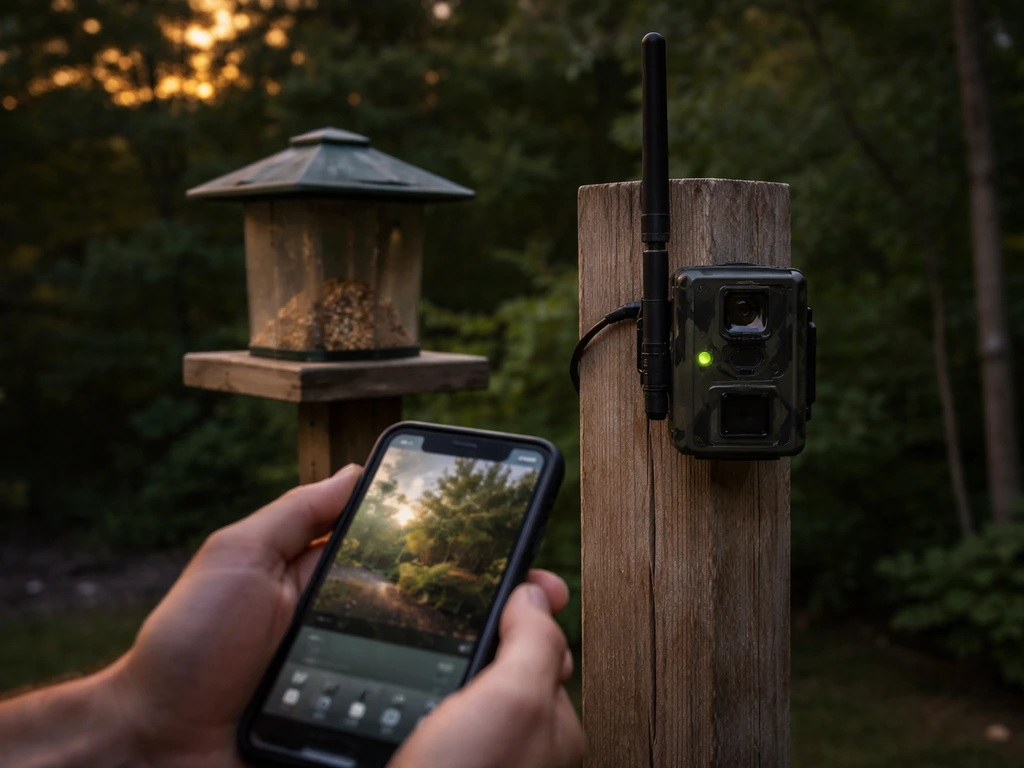
If you want notifications and remote access but have no Wi-Fi to work with, a cellular camera on a prepaid data plan is a legitimate solution. Data usage on a motion-triggered feeder camera is low enough that a small plan (1 to 2GB per month) usually covers it. These cameras work well in rural gardens, allotments, or any spot too far from your router to realistically extend Wi-Fi.
Best practices for local-only recording
- Use a high-endurance microSD card rated for continuous write cycles. Standard consumer cards wear out faster in cameras that record frequently.
- Enable loop recording so the oldest footage is automatically overwritten when the card fills up.
- Check the card every few days, especially after busy periods. A full, overwriting card means you will lose older footage you might have wanted.
- Label your SD cards by date when you pull them if you want to keep a specific clip. It is easy to mix up cards.
- Mount the camera as close to the feeder as practically useful for clear identification shots, since you will not have the option to zoom in live later.
Troubleshooting common connectivity problems
Even a well-placed camera with a good signal can develop problems over time. Here are the issues that come up most often with outdoor feeder cameras and how to handle them.
Camera paired fine indoors but won't connect outside
This is almost always a signal strength issue. The camera worked at 3 feet from the router during pairing but drops at 50 feet outside. Walk toward the router from the mounting location with your phone and watch the signal indicator in the app. If it shows weak signal at the mounting point, that is your confirmed diagnosis. Add an extender between router and camera, or move the camera closer to the house.
Camera keeps going offline randomly
Intermittent disconnections on a battery-powered camera are often power-related, not signal-related. Cold weather is a big factor since lithium batteries lose capacity below 32°F (0°C). Check the battery level in the app. If the camera drops offline in the afternoon and reconnects after warming up, that is your sign. Also check if your router is rebooting on a schedule or if your ISP drops connection periodically at night.
Can't connect during initial setup
The most common causes are: phone connected to 5GHz while the camera needs 2.4GHz, router using WPA3 security while the camera only supports WPA2, or the camera's QR code pairing scan failing in low light. For the 5GHz issue, go into your phone's Wi-Fi settings and manually select your 2.4GHz network before opening the pairing screen. For WPA3, temporarily set your router to WPA2/WPA3 mixed mode. For QR code issues, try pairing in a well-lit room or moving closer to a window.
Live stream keeps buffering or cutting out
Buffering during live view usually means not enough upload bandwidth between the camera and your router, or congestion on your network. Try switching the stream quality from HD to standard definition in the app. If you have multiple cameras or other devices streaming simultaneously, that will compound the problem. Also check if the camera is recording locally at the same time as you are viewing live, since that doubles the write load on some models.
SD card recording stopped working
If local recording has stopped, the most common causes are a full card with loop recording turned off, a corrupted card, or the card losing its format. Pull the card, back up anything you want to keep, and reformat it inside the camera (not on your computer) before reinserting. Many cameras have a format option in the app's storage settings. Also double-check that recording is set to 'motion detection' or 'continuous' in the settings and has not been accidentally toggled off.
Setting up a bird feeder camera is genuinely satisfying once the connection is sorted. If you are also wondering whether bird feeders attract flies, the location and cleanliness of the area around the feeder can make a big difference do bird feeders attract flies. Whether you are going fully connected for live AI bird ID or running a simple no-fuss SD card setup, the footage you end up with is worth the effort. While setting up a bird feeder camera, you may also wonder whether bird feeders attract ticks, since feeder locations can change what shows up in your yard do bird feeders attract ticks. If you are also shopping at PetSmart, you can check whether they sell bird feeders and related accessories there PetSmart sell bird feeders. The camera type and connectivity method matter less than matching the right setup to your actual backyard constraints, and that decision gets a lot easier once you know what you are actually giving up or keeping.
FAQ
Will my bird feeder camera record if the Wi-Fi goes out after setup?
Yes, but it depends on the model. If the camera has a microSD slot and is set to motion or continuous recording, it can keep capturing even after Wi-Fi drops. However, you will not be able to view live footage or receive alerts, and some brands only record to the cloud when Wi-Fi is available, even if an SD card exists. Check whether your specific model supports “local recording” explicitly.
My camera paired indoors, but it won’t connect outdoors. Should I worry about 5 GHz vs 2.4 GHz?
Most Wi-Fi feeder cameras require the 2.4 GHz band for reliable pairing and operation, even if your router has both 2.4 and 5 GHz. If your camera supports only 2.4 GHz, it may never connect if it keeps trying to join the 5 GHz network. A quick way to avoid this is to temporarily disable 5 GHz, pair the camera, then re-enable it after setup.
Without Wi-Fi, can I still review bird clips later on my phone?
If the camera supports local SD recording, you can usually still watch clips later without Wi-Fi, but you must confirm two settings first: (1) loop recording, so the SD does not fill and stop, and (2) the recording mode (motion detection vs continuous). Also remember that without Wi-Fi, any “AI bird identification” feature often cannot run because it needs internet access or cloud processing.
My camera says it’s recording, but there are no new clips. What usually causes that?
That can happen if the SD card is full and loop recording is off, if the card is corrupted, or if the camera has lost its preferred format. Many cameras will still show power and occasional status updates while quietly not recording. Back up what you can, reformat the card in the camera’s storage settings, and confirm motion recording is enabled.
How should I position a feeder camera to improve Wi-Fi reliability?
Try to mount based on radio line-of-sight, not just “distance.” Brick, stucco with metal mesh, and siding can block signal more than you expect. Avoid mounting the camera directly behind metal brackets or near large metal planters. If you can, place the camera where the signal path to the router or access point has the fewest obstacles, even if it is slightly farther.
Why does my battery feeder camera disconnect more in winter?
A surge of battery drain can look like a Wi-Fi problem because battery-powered cameras throttle their radios and may reboot or drop off intermittently. If disconnections happen mainly in cold weather or after long nights, test battery voltage or check battery level in the app, then consider adding solar power or using a wired outdoor power solution if the camera supports it.
Do range extenders or mesh systems fix Wi-Fi drops for bird feeder cameras?
For local-only cameras (no app and no Wi-Fi), range extenders and mesh routers do not apply. For Wi-Fi cameras, an extender or mesh can help, but you need to place it where it has decent signal to the router and decent signal to the camera. If the camera is far outside, an outdoor-rated access point mounted near the feeder is usually more stable than an indoor repeater.
If I plan to run the camera offline, do I still need Wi-Fi at setup time?
Often, no. Many Wi-Fi cameras need internet during the initial pairing process, even if they keep recording locally afterward. If you want an offline setup long-term, plan to pair once while connected to Wi-Fi (or Ethernet for supported models), then you can unplug or ignore the internet later if local SD recording is supported.
My camera fails to connect after a router change. What settings should I double-check?
Yes, but do it carefully. Some cameras require power cycling after pairing changes, especially when you alter router security mode or SSID settings. Temporarily set your router to a compatible security setting (for example WPA2/WPA2+WPA3 mixed, if supported), pair again, then return to your preferred security mode if the camera allows it.
How much data does a cellular bird feeder camera actually use?
Not always. If your camera uses cellular data and you want to minimize cost, data usage depends on event frequency, motion sensitivity, and whether it streams video continuously or only sends thumbnails and short clips. Many cellular feeders can get by with small plans, but you should review how the camera behaves under heavy bird activity before committing to a long-term plan.
Why does live view buffer even though recordings seem fine?
A live view delay or buffering can be caused by upload bandwidth limits, network congestion, or too-high stream quality. Reduce the live stream resolution if the app offers it, and pause or lower other simultaneous streaming devices. Also confirm whether the camera is saving locally while streaming, since writing to SD at the same time can increase load on some models.
How can I tell if the issue is Wi-Fi streaming vs SD recording?
If the SD is present, buffering issues and SD recording issues are often separate problems. Buffering usually points to connectivity or streaming quality, while missing clips usually points to SD configuration (full card, loop off, wrong recording mode) or SD corruption. Use the simplest test: confirm whether the SD card’s storage shows new timestamps after an event.
Which bird feeder camera features still work without Wi-Fi?
Even if a camera records locally, some features like instant notifications, remote viewing, and AI bird identification often require Wi-Fi or cloud access. If your main goal is just proof of visits, local SD plus motion detection is typically enough. If your goal is alerts for rare species, you need a reliable connection path, either Wi-Fi with strong signal or cellular.
Next Article
Where to Hang Bird Feeders in Winter: Exact Placement Tips
Exact winter feeder placement tips for birds and safety: height, window distance, shelter, and troubleshooting.